-
How to type in the content of a said comment
ONYAKU not only automatically recognizes voices and does speech-to-text transcription, but also allows you to directly type in your message and reflect it in the chat room.
1. Create a chat room or join a chat room created by others.
2. Click [Type to chat] in the lower right corner of the screen.
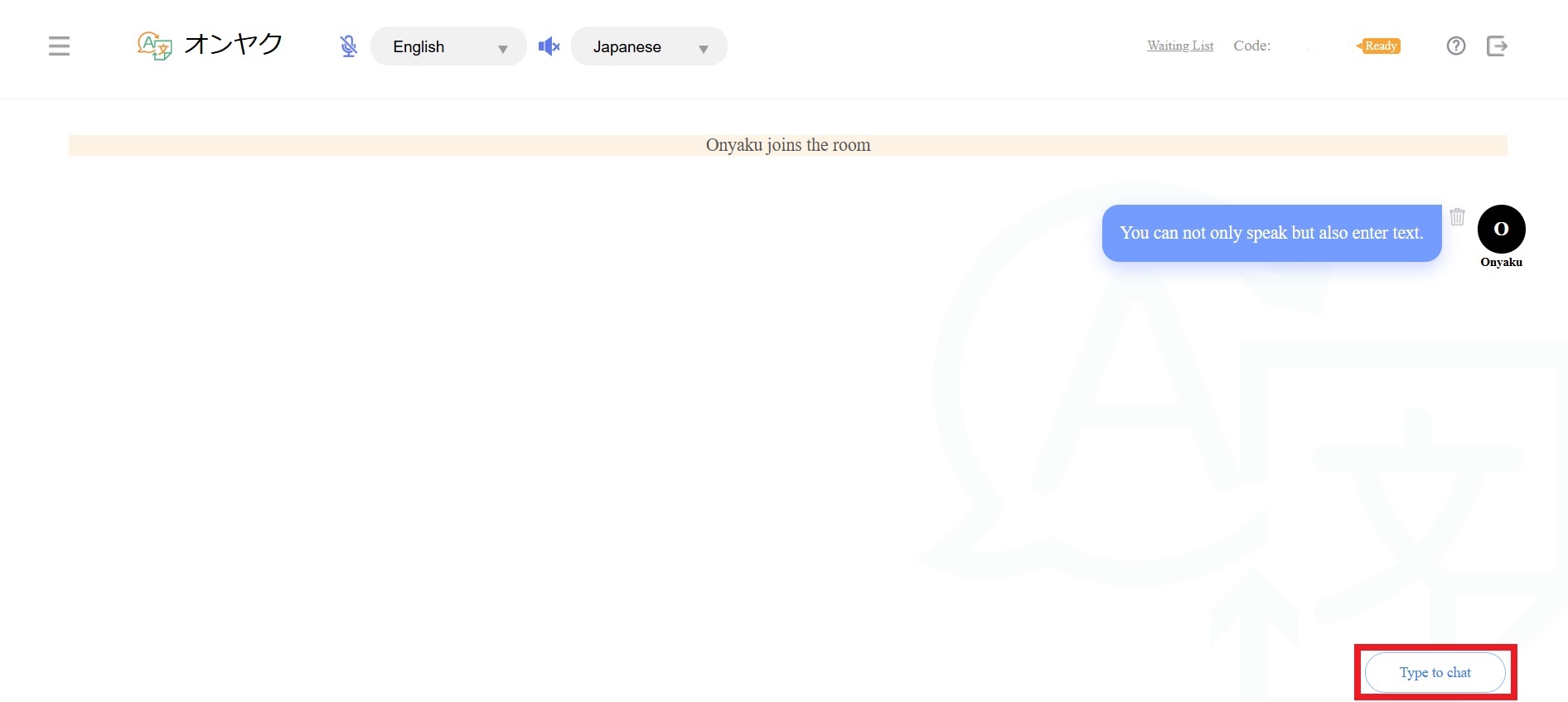
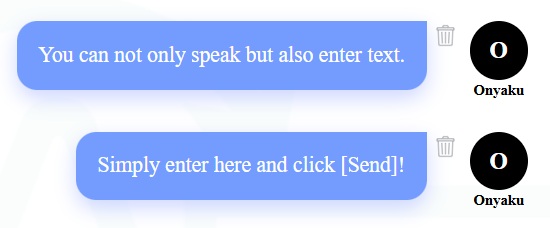
3. Type in a message in the window and click [Send].
The message will be reflected in the chat room.
4. If you change your mind and think you do not have to send the message, click [×] to close the window.
Comments
0 comments
Please sign in to leave a comment.